Notifications
Engera notifies you in the app and, where you choose, by email. Notification settings are per user.
In the app
The bell in the top bar collects recent activity: documents that finished processing and items waiting for review. The counter shows unread items; opening the panel takes you to the item that changed. Notifications arrive without a page refresh.
Email notifications
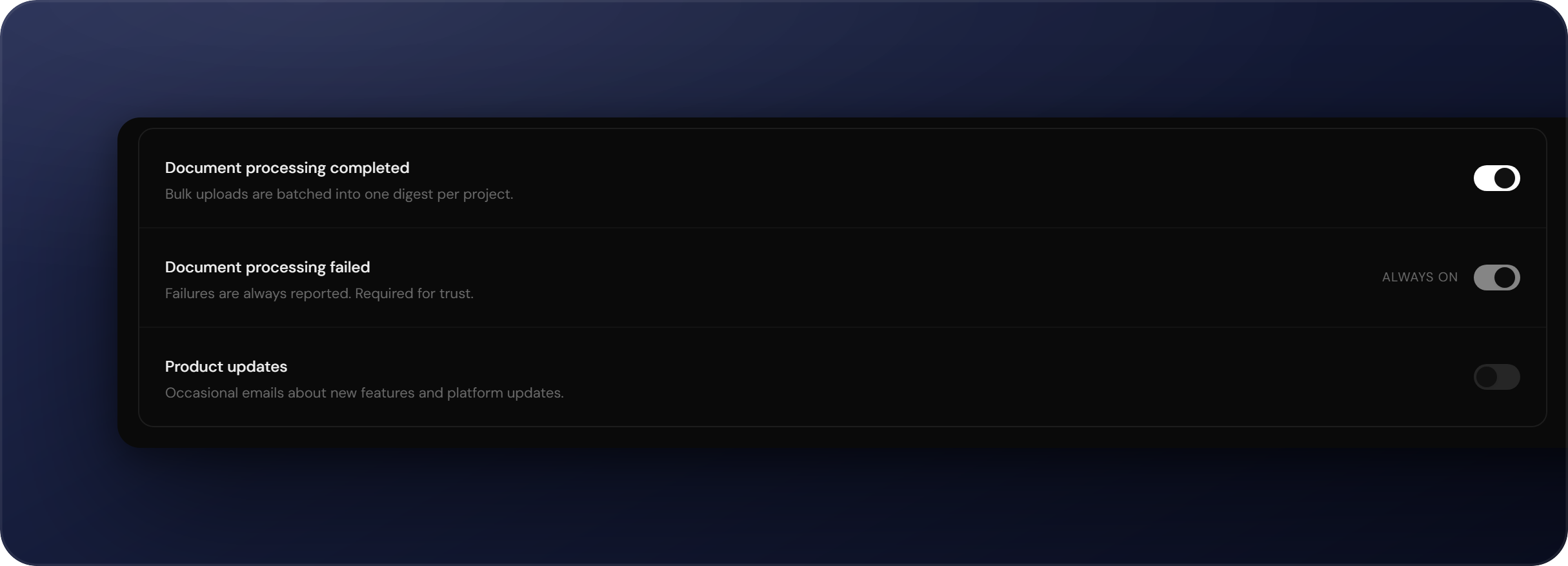
To choose which activity also reaches your inbox, navigate to Account settings → Notifications:
- Document processing completed: a digest when uploads finish extraction. Bulk uploads are batched into one digest per project.
- Document processing failed: always on and cannot be disabled.
- Product updates: occasional emails about new features.
Emails are sent in your interface language (see Preferences). Sign-in codes are always delivered regardless of these settings.