Start guide
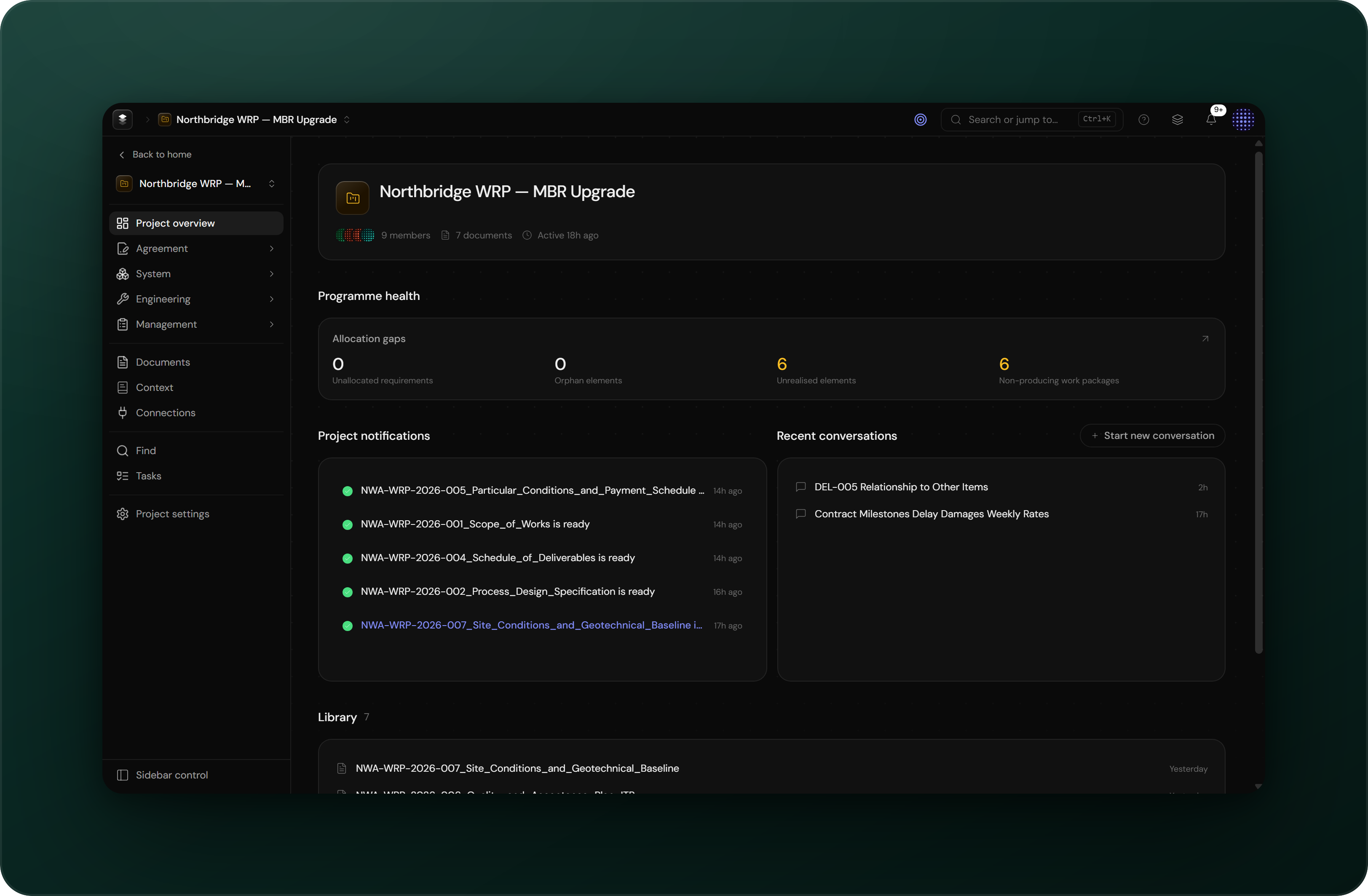
Sign in, create a project, bring in your inputs, and learn where to find what in Engera.
This page covers the first steps in Engera and explains where to find what. For the ideas behind the product, read Concepts.
Sign in
Engera is invite-based and passwordless. You sign in with your email address and a 6-digit code. If you do not have access yet, see Getting access. The code flow is covered in Signing in.
Create a project
From home, choose New project and give it a name. Everything else happens inside the project: it holds your documents, the items built from them, and its own member list. Access is granted per project; invite teammates from Project settings → Members. Details in Create & organise projects.
Bring in your inputs
There is no fixed order for setting up a project. Use whichever of these fits the material you have:
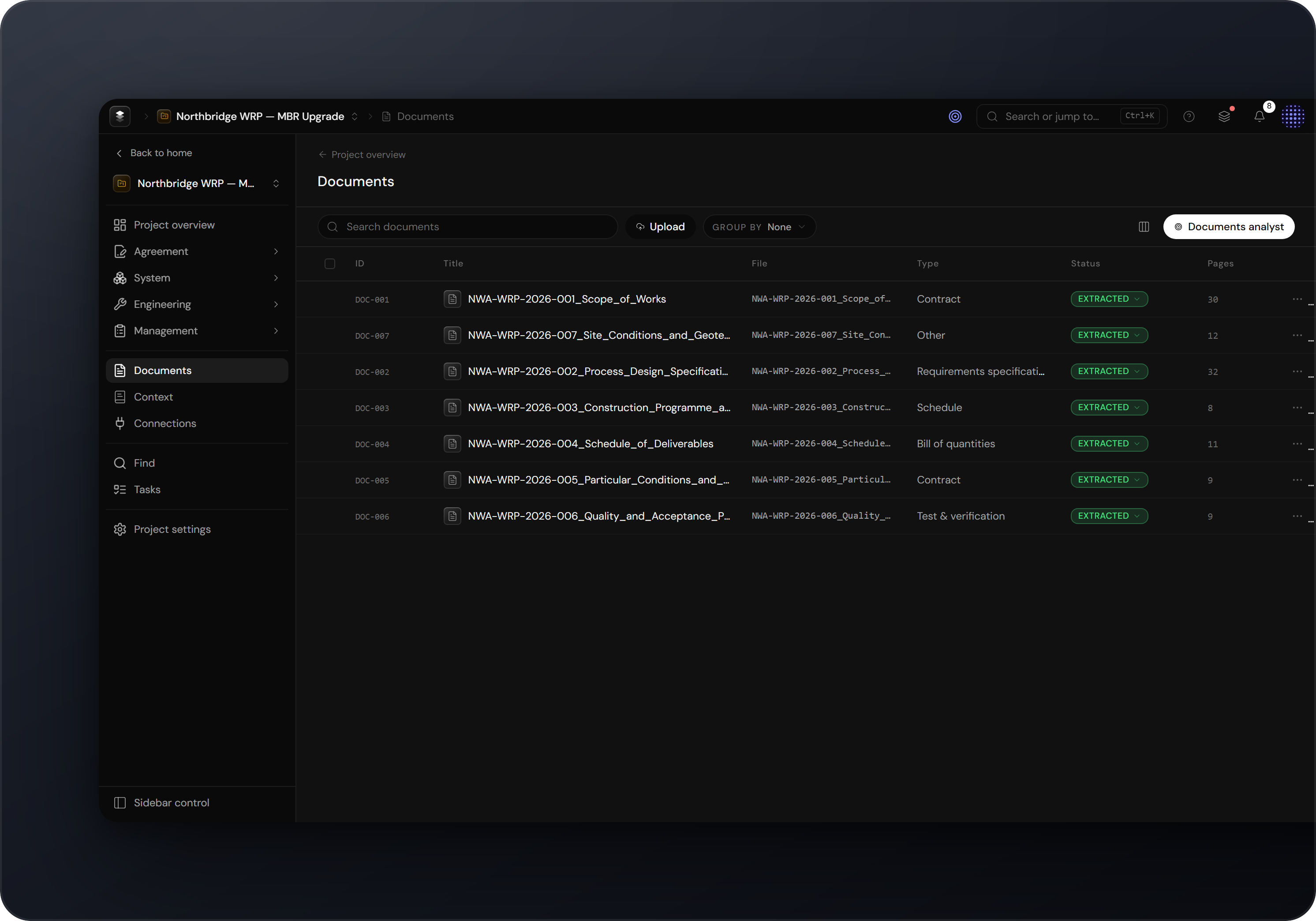
- Upload documents. Open Documents and drop in PDFs: contracts, specifications, standards, schedules. Engera extracts each document into sections and clauses you can reference. See Documents & extraction.
- Create items directly. Every surface has a New action. You can write requirements, risks or obligations by hand without uploading anything.
- Import from Excel. Item tables accept imports, so an existing requirements list can come in as a spreadsheet.
- Connect other systems. Under Connections, link sources such as SharePoint or Jira and sync items from them.
- Add background knowledge. Files under Context are given to the project's analysts as reference material: domain terms, abbreviations, programme background.
Build the model
Uploaded documents are extracted automatically. From an extracted document, choose Derive items to have Engera propose requirements, obligations or risks from the text, each linked to the clause it came from. Proposals are marked as suggestions and wait for your review: accept what is right, dismiss what is not. See Derive items and Reviewing suggestions.
Find your way around
The project sidebar is organised by the question each area answers:
- Project overview: the state of the programme at a glance. Health, recent activity, open work.
- Agreement: what did we sign up to? Clauses, obligations and deliverables from the contract.
- System: what are we building? The product breakdown, requirements and standards.
- Engineering: how is it engineered and verified? Engineering processes and their outputs.
- Management: how do we run it? Work breakdown, changes, baselines, schedule and risks.
- Documents, Context, Connections: the inputs. Source documents, analyst background knowledge, and links to external systems.
- Find and Tasks: search across the project, and the work assigned to you.
Concepts describes the same structure in terms of the underlying model.
Ask the analyst
Open the analyst from the project overview and ask in plain language: "What are the key delivery milestones?" or "Which clauses carry quality requirements?". The analyst searches the project, reads the relevant passages, and answers with citations that link to the source. Press Ctrl K anywhere to search or jump across the project.